

Before you scream at your screen, I am aware this setup isn’t ideal, to say the least, my Self-hosting has been composed of a laptop with a usb carry with a 2.5 1tb hard drive. I recent made up my mind about getting a couple 4 tb server hdd (heard barracuda are relatively silent) to run software raid 1, since I can’t find a budget double bay carry (that I can purchase locally) I’ve decided I’ll get a couple 3.5 inch usb cases and get a splitter to run the power from just just one brick.
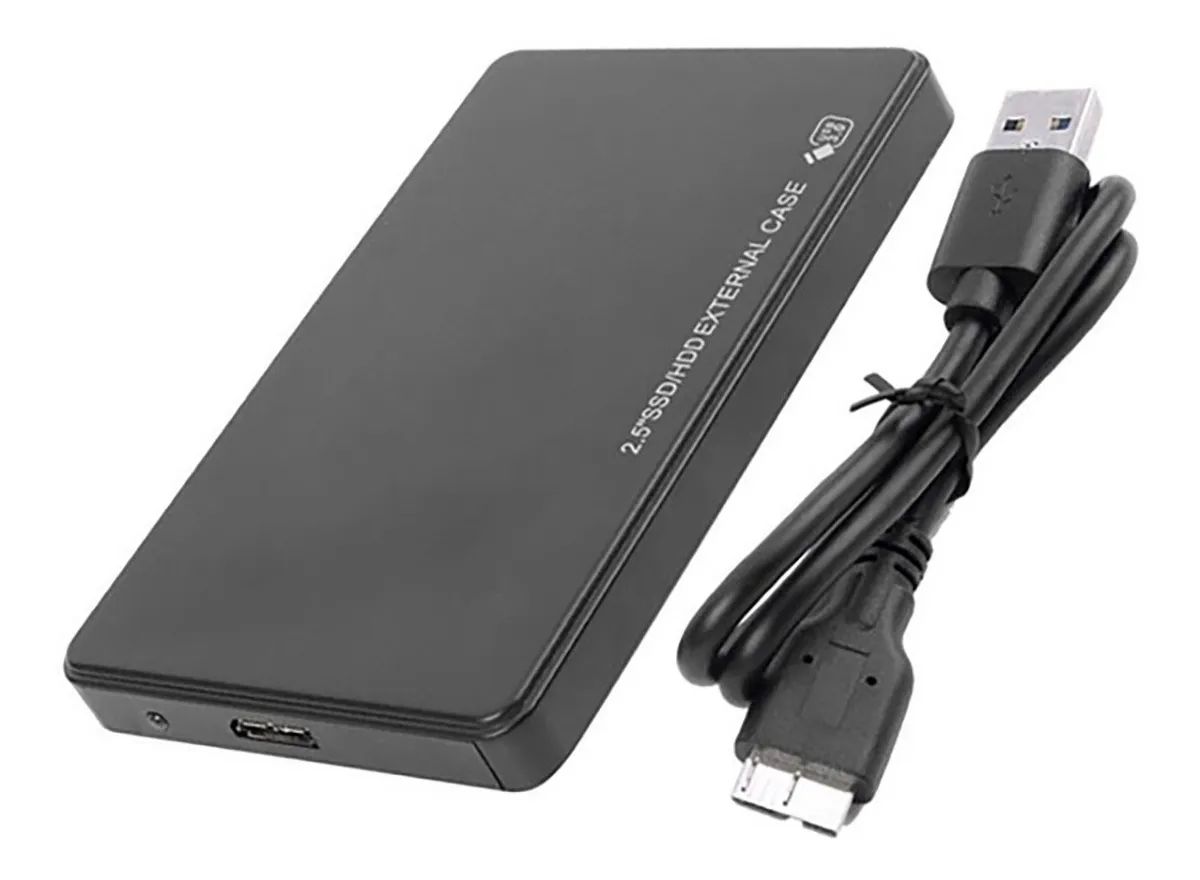

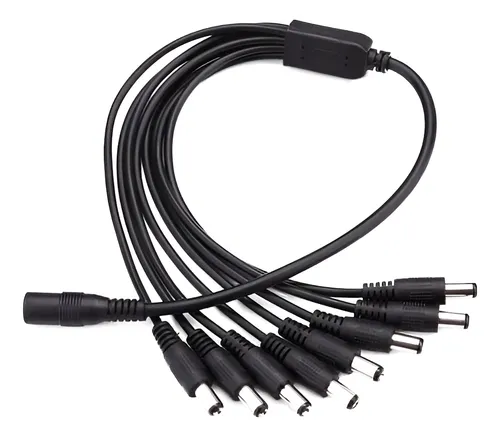
My question is regarding resiliency, I get occasional blackouts and low tension every now and then, a few times a year but it can be a few times in a day. I’ve never had hardware dying because of it and I don’t have a UPS, but I worry I could be risking data corruption or something swapping to this setup because of the extra power those drives will need being fed from the wall instead of the laptop (the laptop feeds the current drive over usb alone and it has a battery) which could be abruptly cut off every now and then. Right now, the worst this has caused has been having ro reboot the system because it got unmounted but never had a loss of data from this.
Am I worrying for nothing? Would it be just the same? Should I just put this off until (if) I can afford the drives plus a ups? So far I’ve had my server for basically free, but I’m running out of space for family photos and I kinda have to upgrade.
Do not split a RAID array across drives in separate USB enclosures.
Doing RAID on USB drives is alright, as long as they’re all in the same enclosure and use a single USB interface. If you split an array between drives with separate USB interfaces, you will face corruption and rebuild issues when one of the controllers has a hiccup or comes up slower/faster than the other, which WILL happen. If you need to run a RAID array on USB-connected drives, use a 2-bay USB-connected DAS. I’ve used the QNAP TR-002 in the past, it works fine, just set it to individual mode.
The better option since we’re just talking about a mirror, is to run on one drive primarily, and occasionally sync your data to the other for a backup.